
LaTeX math, in pure Dart.
A TeX engine that lays formulas out by TeX's rules, and Flutter widgets that draw them — one formula, math inside a sentence, or an AI reply while it is still streaming in.
- val_latex_flutter · 30 days
- 60.2K
- val_latex · 30 days
- 61.1K
- Commands it knows
- 4,429
- Environments
- 88
From pub.dev, 2026-11-13. Downloads count installs, not people. Commands and environments are counted from the engine's own catalog.
Formulas grow as the reply arrives.
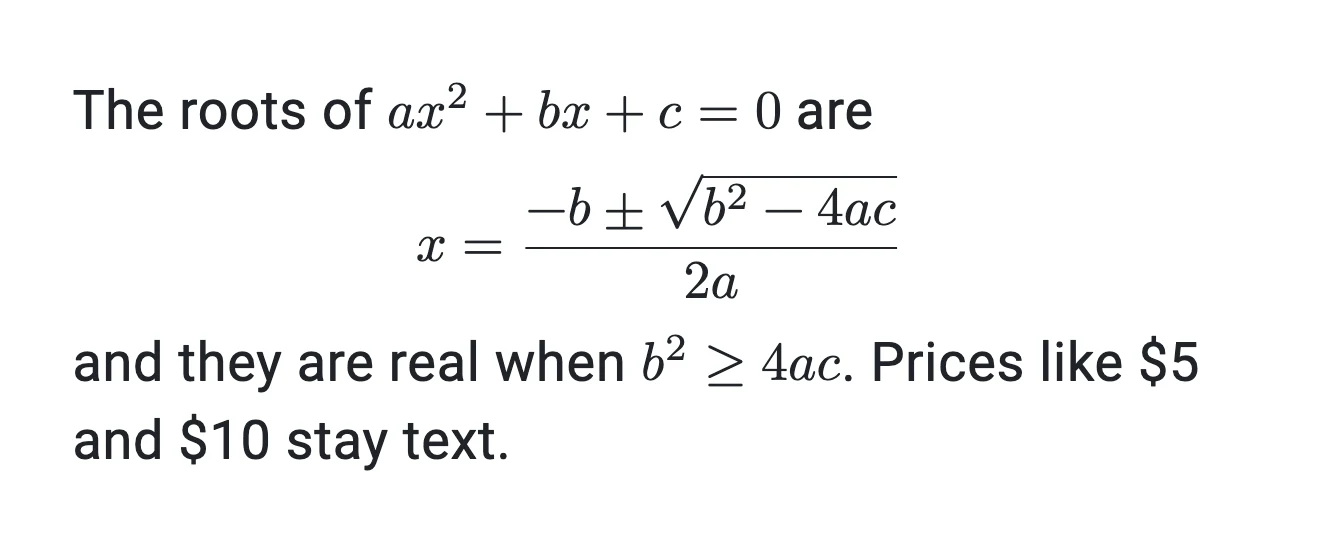
MathText renders an AI reply while it streams in. Nothing half-typed ever flashes on screen.
- A formula that is still open renders as far as it has come.
- A dangling $, $$ or \[ is held back; $5 stays a price.
- One widget for the whole reply: text and math together.
Long formulas fit any screen.
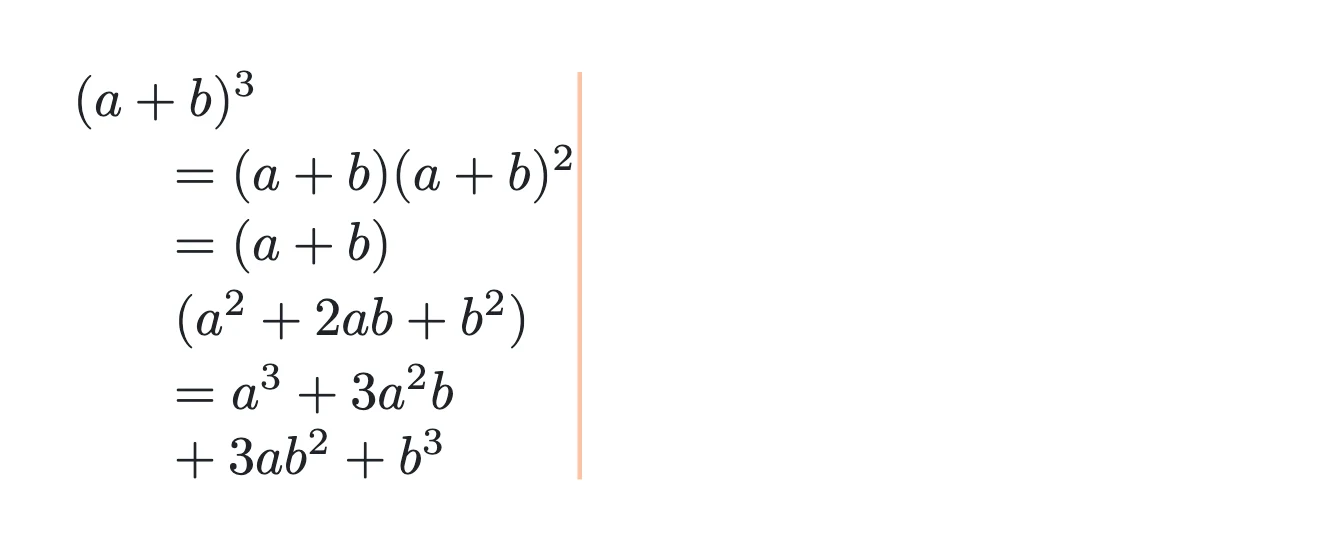
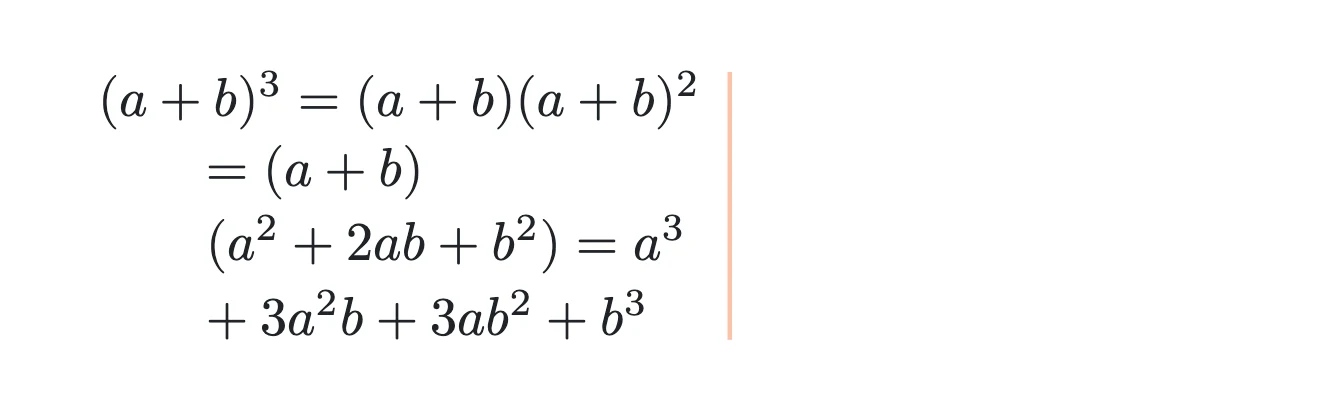
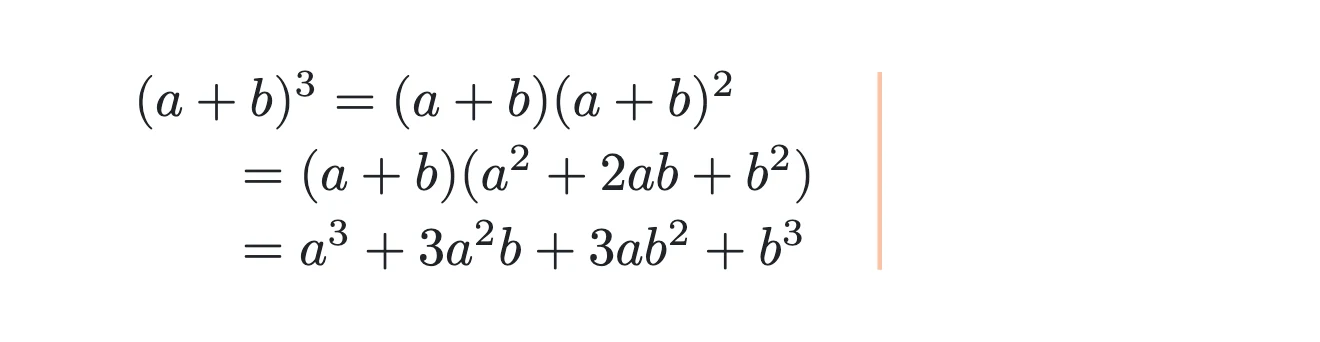
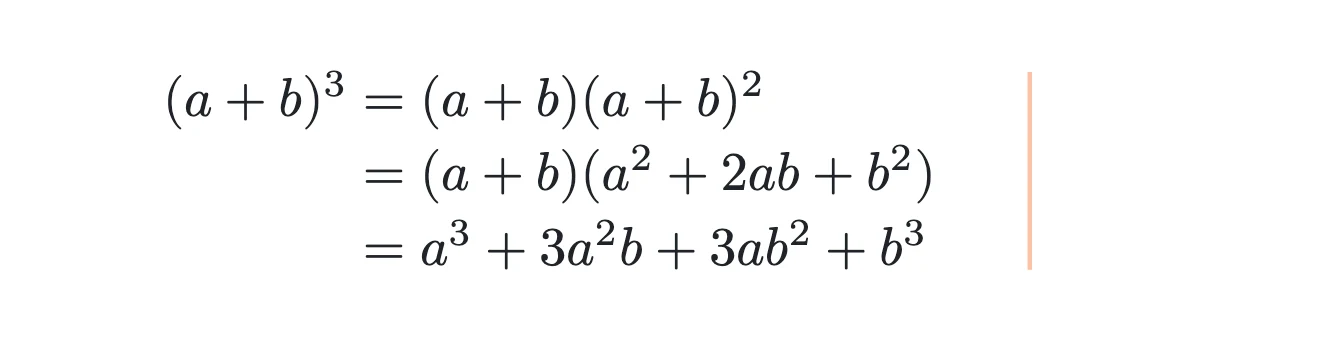
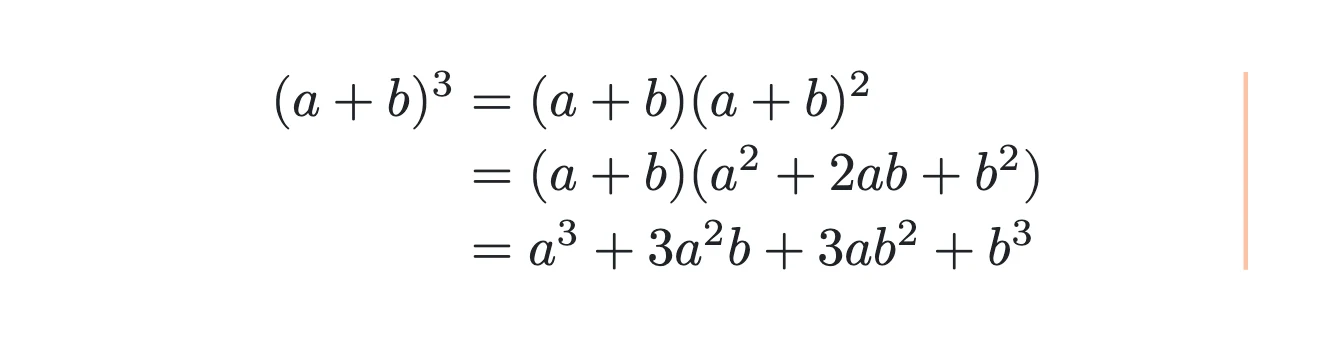
A display formula too long for the screen breaks into lines at relations and operators, aligned under the first =. Drag the width and watch it re-flow.
- No settings: Math.tex wraps on its own.
- What cannot break scrolls, shrinks or clips: your choice.
It reads math aloud.
The engine turns any formula into words for screen readers, voice assistants and text-to-speech, at three levels of detail. Pick a formula, change the detail, and listen.

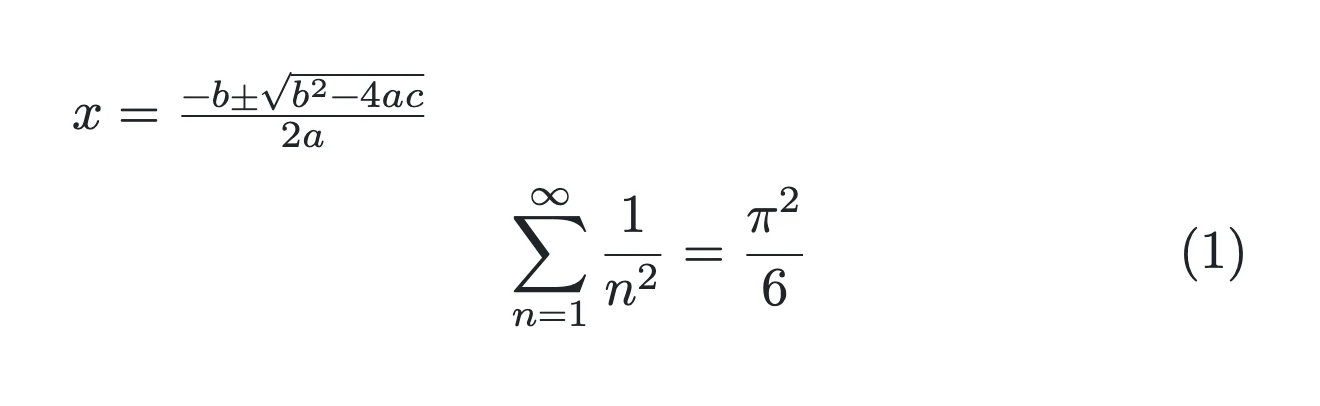
x = \frac{-b \pm \sqrt{b^2 - 4ac}}{2a}“x equals the fraction with numerator minus b plus or minus the square root of b squared minus 4 a c end root and denominator 2 a end fraction”
toSpeech(parseLatex(tex), verbosity: SpeechVerbosity.normal), run on this formula when the page was built.
Real TeX, not a subset.
4,429 commands and 88 environments: amsmath, chemistry, physics, diagrams, arrays and more. Pick one to see the Flutter code and what it draws.
Each render is made from the code beside it, at 18 px.
Flutter widgets, and the Dart engine under them.
The widgets: Math.tex for a formula, MathText for math inside text and streaming replies, with selection, taps and screen readers.
$ flutter pub add val_latex_flutterThe engine: parse, lay out, find formulas in text, speak them, normalise them. On the Dart VM, on servers and compiled to JavaScript.
$ dart pub add val_latexA Flutter app adds val_latex_flutter only; it includes the engine.
What comes next
Text is the first step. Ask below: the same answer becomes an interface, then a live scene.
- 01 · FreeThis page
Output Rendering
Markdown, math and code that render while the answer streams.
- 02 · Early accessNext step
Generative UI
Your team designs the components. The model fills them in. Your app draws them.
- 03 · Private beta
Live Scenes
The answer as a narrated scene that people can steer and act on.
Asked
first.
The short version for teams choosing a math renderer.
Typeset it properly.
Start with one widget; the docs cover the widgets, their options and the full API.